01
Extension
Clicks in your browser.
A browser extension uses your existing session. It is still automation when it sends invites or messages for you.
Grok Bot can click websites with no API. That is a bad idea on LinkedIn. Use MCP into Revora so the send path stays paced and the cloud browser stays off the account.
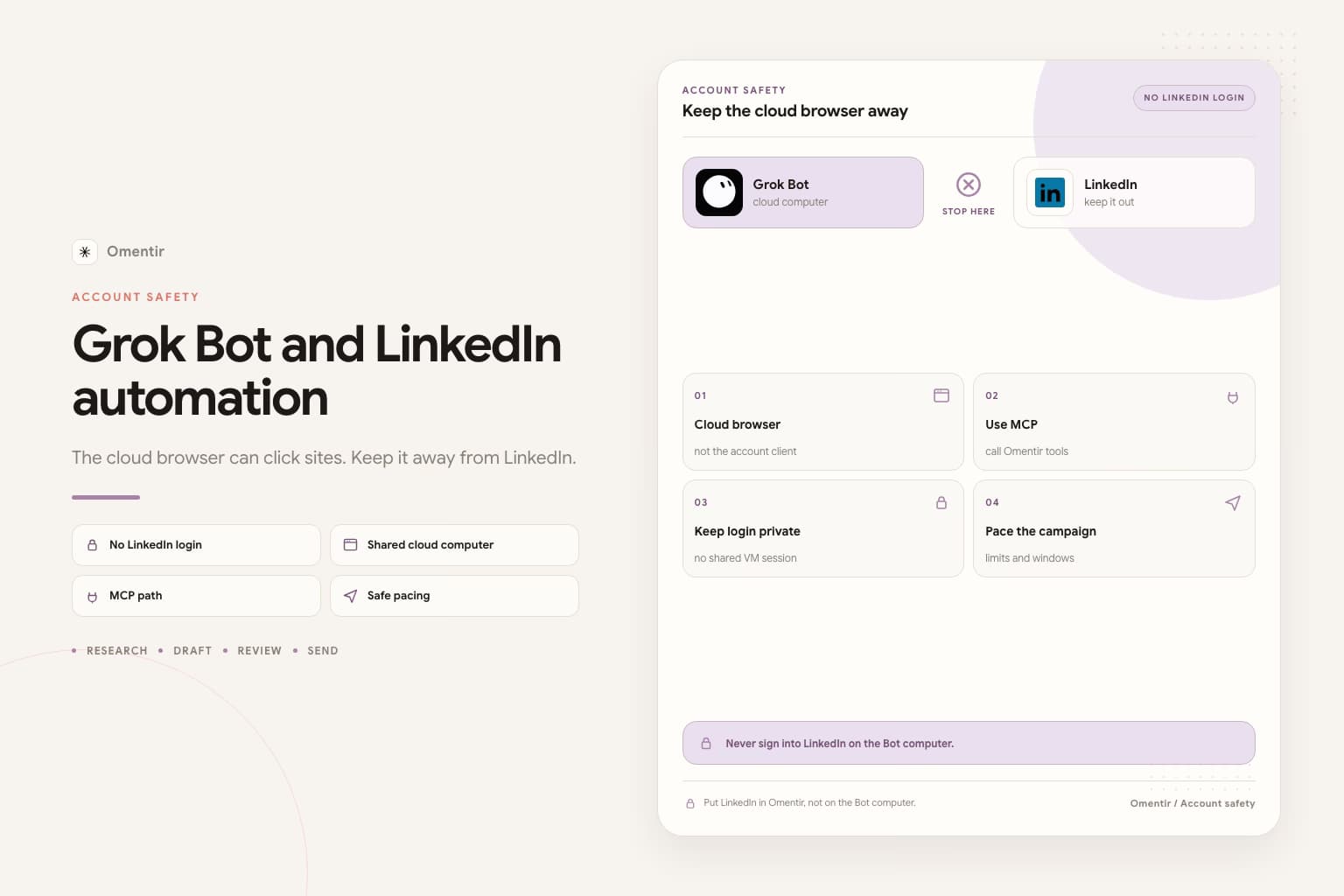
Connect the LinkedIn account only inside Revora. Do not move the session to a browser extension, a cloud VM, or a Bot computer.
In Grok Bot, open Settings, then Plugins, and add https://revora-ai.com/api/agent/v1/mcp. Approve the workspace when Revora asks.
Use one ICP and ask for a scored list with evidence and draft notes. Keep the stop rule explicit: do not send, do not enroll, and do not sign into LinkedIn.
Keep daily limits conservative and use send windows. Read the LinkedIn automation guidance before you raise caps. MCP changes how the Bot reaches Revora, not what LinkedIn allows.
No. LinkedIn documents official APIs for ads and some partner programs. Personal-profile invite and DM automation sits outside that. You own the account outcome.
The session stays on the shared computer. Once is enough. Do not.
No. A cloud VM typing connection requests is still a bot. Random delays do not change that. LinkedIn's user agreement restricts unauthorized bots on the consumer product.
Refuse. All of your Bots share one computer. A password or CAPTCHA session then persists for other Bots you create later. Keep LinkedIn signed in only inside Revora. Point it at the MCP tools.
No. MCP does not make volume look human. Keep daily limits conservative, and put send windows in the prospect timezone. Warm a quiet account before you raise caps. Jumping a quiet profile to peak sends still looks like a bot. Read is LinkedIn automation allowed first.
It is still your LinkedIn identity on a shared VM. Do not put it there. See is it safe to let Grok Bot log into LinkedIn.
More on Grok Bot
Prefer markdown? Grok Bot and LinkedIn automation.md