LinkedIn warmup and ramp
- Daily caps stay on
- Local send windows
- Pause on a lock
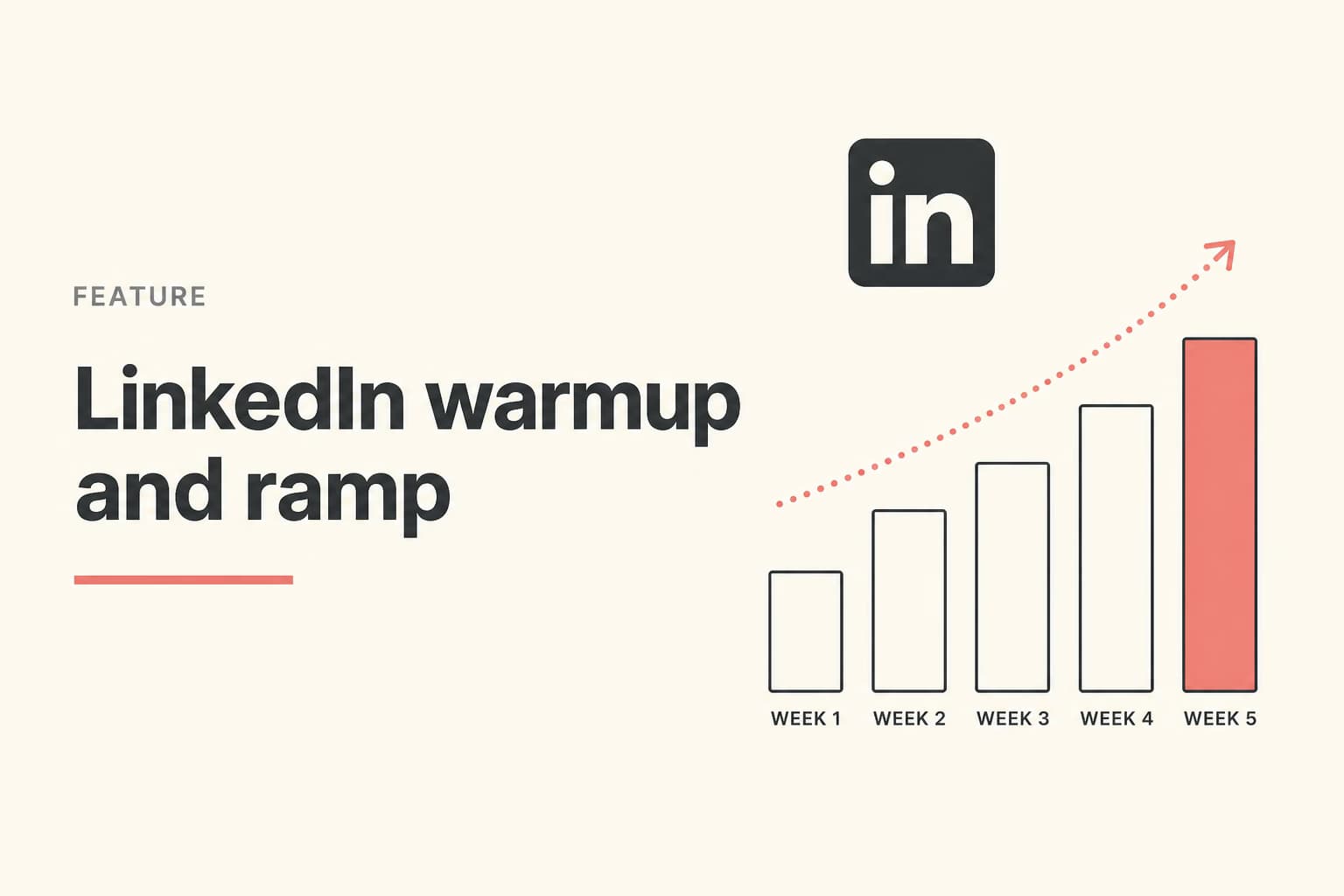
Week 1
Look like a person
Use the account. Complete the profile. Browse. Do not start at your eventual cap. A week of human use is cheaper than a week of restriction.
Week 2
Low invites, real notes
Keep connection volume conservative. Review drafts. If accepts are fine and replies are not, the copy is wrong. Raising the cap will not fix it.
Week 3
Step up only on health
Increase limits when the account is clean and the ICP is answering. A restriction is a stop, not a retry. Warmth is not a PhantomBuster setting.
Week 4
Stay inside the window
Business or extended send windows beat a 9:01 burst. Campaigns that share an account still honor their own windows.
What the product enforces versus what you do
Revora enforces daily invite and message limits and optional send windows. It does not simulate browsing to fake a warmup. Anyone selling a magic LinkedIn warmup cloud is selling a different risk. Read the longer warmup blog if you want day-by-day numbers. This page is the product constraint.
This is not email warmup
Frequently asked questions
No. It will not exceed the daily limits you set. You still ramp a quiet profile. The account safety feature page covers what to do if LinkedIn locks invitations.
You can type a high number. You should not. Restrictions cost more than a slow first month.
Run this on the LinkedIn account you already use
Connect LinkedIn, fill My Product, and try the motion in one workspace.
Prefer markdown? LinkedIn warmup and ramp.md