Unified inbox
Why reply handling belongs next to outreach
Many outbound stacks can send. Fewer make it easy to see who replied, what they said, and what should happen next. Revora keeps reply tracking next to the same workspace that discovered the lead and ran the campaign, so you are not exporting CSV snapshots to find interested people.
For a founder or lean team, that matters more than another personalization toggle. Pipeline dies in the gap between 'message sent' and 'human noticed the reply.'
What the unified inbox is for
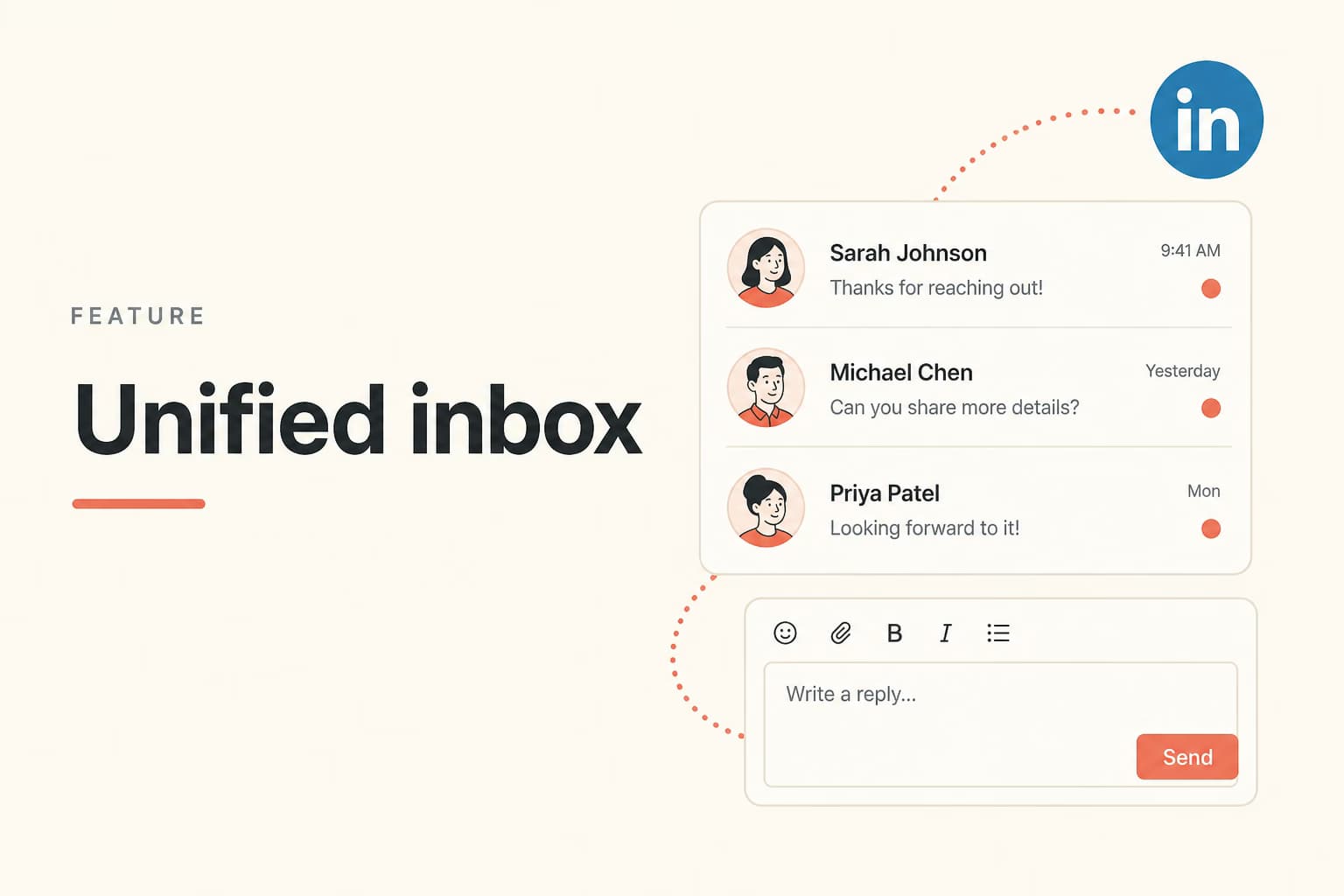
The inbox is where conversations surface after outreach. You can work through interested replies, keep context with the lead, and decide whether to answer, schedule, or stop. Sort by intent so you spend time on people who are actually engaging.
Operator tooling can list conversations and draft replies for existing threads, with the expectation that a human approves drafts before anything goes out through reply tools.
From reply to booked conversation
Interested replies are only useful if they turn into meetings or clear next steps. The rest of the product is for turning a first touch into a demo. The Minimum Booking Guarantee on eligible managed plans measures real booked conversations, not vanity send counts.
Your booking link, offer clarity, and response speed still matter. Software can collect replies. It cannot invent a reason for someone to meet.
How to work the inbox in the first week of replies
Check the inbox on the same cadence you send. A same-day answer to an interested reply is part of the product, not a support chore. Tag or sort by people who asked a question, people who said later, and people who are not a fit, so the next session does not start from zero.
If an operator drafts a reply, read it against the original thread before it goes out. The draft should answer the last thing the buyer said. A generic booking link on a specific objection is how you lose a warm conversation.
What the inbox is not replacing
It is not a company-wide CRM, a helpdesk, or a place to store every customer email. Use it for LinkedIn outbound conversations that started in Revora. When a deal is real, move the context to whatever system your team already uses for revenue, and keep the inbox focused on the next reply.
Frequently asked questions
No. It is a reply and conversation surface for LinkedIn outbound. Use your CRM for broader pipeline stages if you need company-wide deal management.
Revora can draft and assist, and operator tools are designed for approved replies on existing threads. Unsupervised blasting into every reply is not the intended safety model.
Yes. Conversations sit with the lead and campaign context so you can see who was contacted and what they said without rebuilding the thread from memory.
Run this on the LinkedIn account you already use
Connect LinkedIn, fill My Product, and try the motion in one workspace.
Prefer markdown? Unified inbox.md