01
Invite
They have not accepted.
Keep it tiny, or leave it blank. Use the invite to start contact, not to paste your whole pitch.
Automate the pile of first LinkedIn notes with Grok Bot drafts. Send from Revora. Keep the live reply, and the LinkedIn login, off the Bot computer.
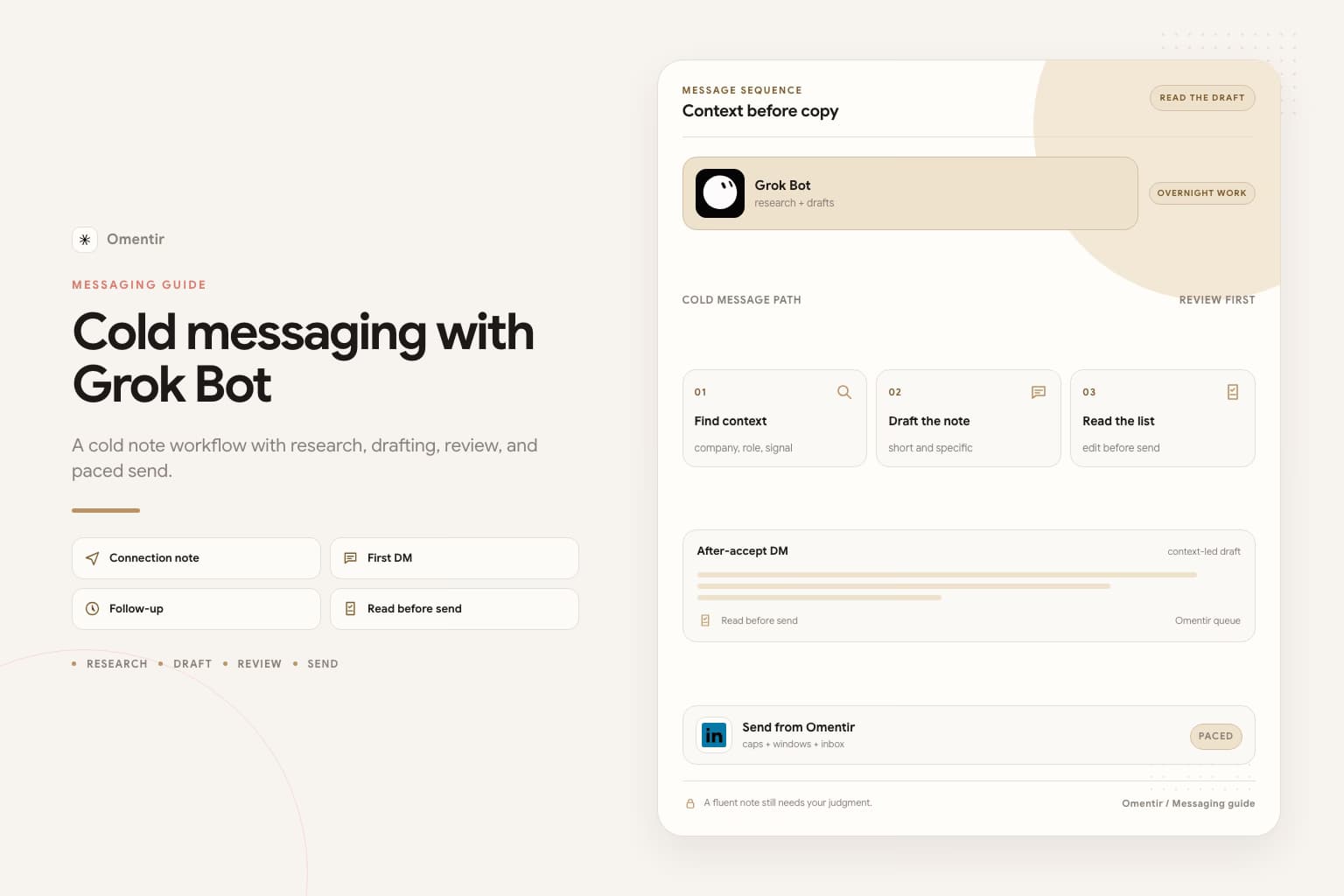
Tell Grok Bot whether it is drafting an invite note, an after-accept DM, or InMail. Each one has a different job. An unnamed box gets the same pitch everywhere.
Use a recent hire, post, comment, or tool they mentioned. The trigger gives the prospect a reason to answer and gives you something to verify.
Do not turn the invite into a meeting request. Do not add a calendar hold to the first DM. Start a conversation and leave room for the other person to ask a question.
Read the first batch and remove generic drafts before you start a campaign. Keep the Bot on research and drafts. Keep the live reply in your hands.
No. A specific one-liner helps. A pitch in the invite box often hurts. Blank is better than a fake paragraph.
Revora can continue a campaign after accept if you set that up. Keep the first real reply for a person.
No. Computer use is how accounts get restricted. The Bot computer is shared across your Bots, so a login there is shared too. If it asks you to take over for a password or CAPTCHA, refuse. Put LinkedIn in Revora. Put the Bot on MCP.
Only if you tell it which box the draft is for. The invite is tiny or blank. The after-accept DM is two sentences, a real trigger, and no calendar hold. InMail is a paid credit, not a handshake. Leave that unnamed and it writes the same note for every box.
No. Automate the pile and the first two sentences. Keep a person on anything that contains a question. A Bot arguing about price in your inbox overnight is not this job.
No. Revora can run the campaign after they accept if you set that up. Add Grok Bot if you already pay for it and you want overnight drafts on top. How-to: automate cold messaging with Grok Bot.
More on Grok Bot
Prefer markdown? Cold messaging with Grok Bot.md