The Revora Agent API and MCP connectors

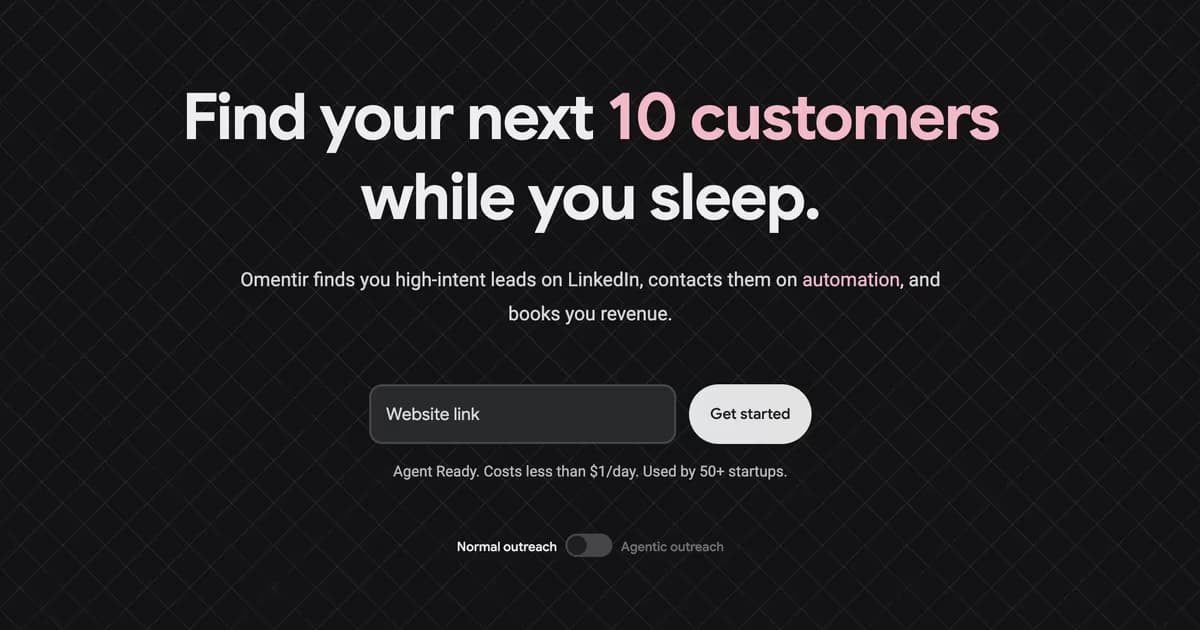
Outbound should not feel like operating five disconnected tools. Most teams do not need more dashboards. They need a system that understands who they sell to, finds the right people, writes outreach with context, respects safe sending limits, and gives them a clear way to turn interest into pipeline.
Revora runs that motion as a product, and it also runs it as an API. You can drive the same workspace from a dashboard, a script, a CRM, or an AI agent.
Agent API
With the Agent API, trusted tools can read workspace context, inspect your product profile, configure discovery agents, search scored leads, inspect activity, and review conversations through REST endpoints.
That matters because outbound does not live in one place anymore. Some teams work from CRMs. Some use internal scripts. Some use AI agents. Some want a founder-facing dashboard, while others want everything controlled from their own workflow.
The Agent API gives those teams a clean way to build on top of Revora without bypassing workspace ownership, validation, and safety checks.
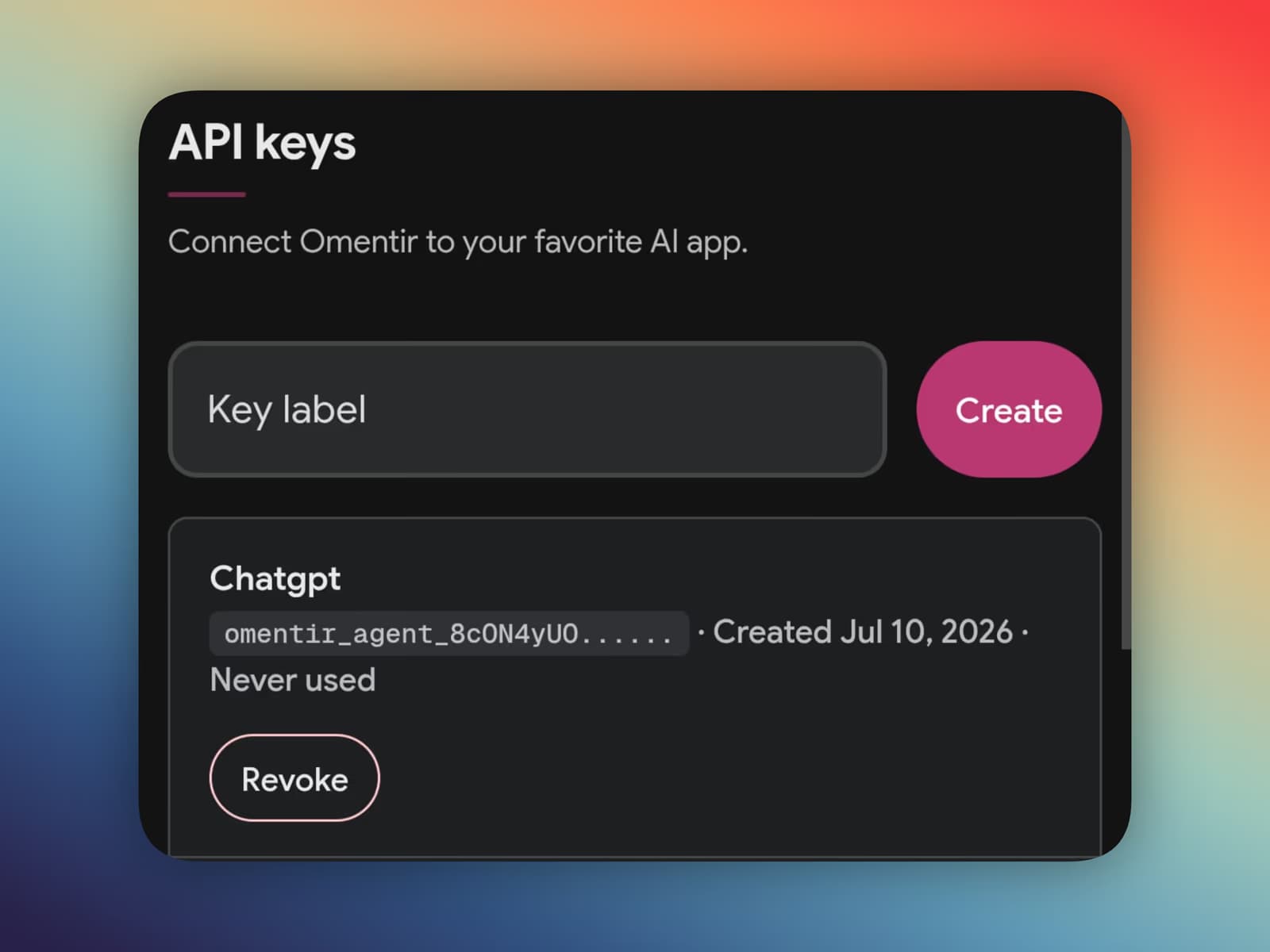
You can create a workspace-scoped key from API keys. From there, integrations can call a few core endpoints:
GET /api/agent/v1/contextto check workspace readiness and available resources.GET /api/agent/v1/leadsto search, filter, and rank discovered prospects.GET /api/agent/v1/leads/<leadId>to retrieve one exact lead and its qualification context.
For the full technical surface, use the live OpenAPI schema at /api/agent/v1/openapi.json or the agent guide at /agents.md.
API principle
The API is not a shortcut around Revora's safety model. It is a programmable path through the same workspace checks, campaign rules, and pacing controls used by the product.
Connectors for agentic workflows
Revora exposes an MCP server, so tools like Claude, ChatGPT, Cursor, Hermes, OpenClaw, and custom agents can connect to Revora with a workspace-scoped API key.
The setup is intentionally lightweight: create a Revora key, paste the MCP URL into the agent's connector settings, and let the client discover the available tools. The agent gets structured capabilities instead of raw account access.
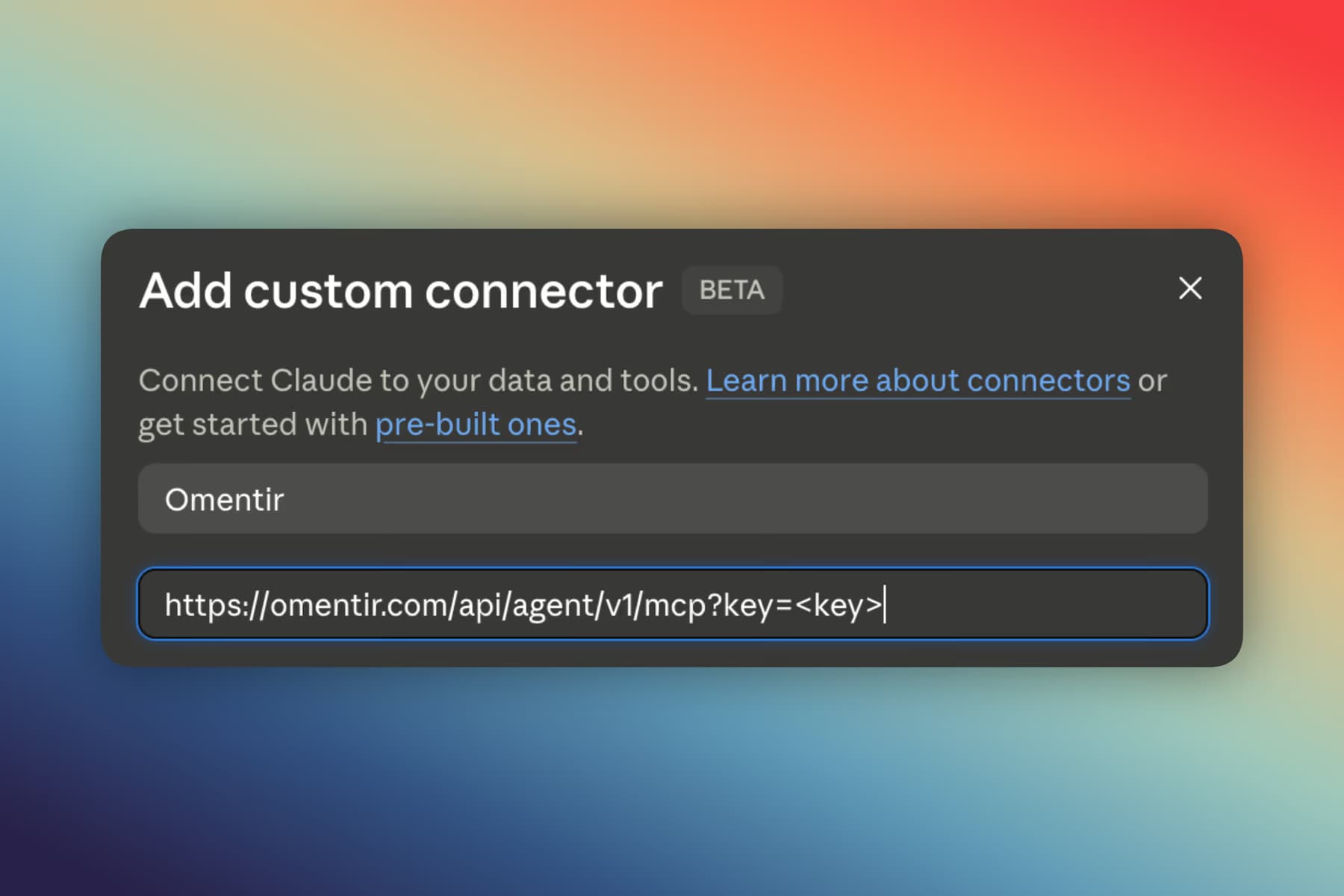
Once connected, an agent can help with the full outbound workflow: understand the workspace, check the product profile, create a lead discovery agent, search and rank leads, inspect discovery activity, and work with existing replies.
Technically, the connector gives an agent a typed tool surface instead of a vague browser session. A few useful tools look like this:
omentir_get_contextomentir_get_leadomentir_list_conversationsThe dashboard is still there for people who want a clean product experience. Revora can also work wherever your operator, founder, developer, or AI agent already lives.
For setup details, read the Revora MCP integration guide.
Pricing
Revora offers Pro at $59/month, plus Enterprise for teams that need SSO, dedicated onboarding, and priority support.
Pro includes:
- One user
- One LinkedIn account
- one AI agent, unlimited leads, and unlimited campaigns
- AI automated campaigns and API access
- Email customer support
The Pro plan includes a minimum of three bookings per week or you pay nothing. Enterprise includes unlimited users, unlimited LinkedIn accounts, all Pro features, plus SSO, dedicated onboarding, and priority support.
You can see the current plan details on the Revora pricing page.
How this fits your stack
The old outbound workflow was manual and fragmented: scrape leads in one tool, enrich them in another, write messages somewhere else, upload everything into a sequencer, then hope the campaign does not sound generic.
With the Agent API and MCP connector, the workflow is more fluid. You describe who you sell to. Revora finds qualified buyers. Your AI agent can inspect the workspace, ask for more context, create campaigns, and monitor replies. Humans stay in control where judgment matters, while repetitive work gets handled by the system.
Frequently asked questions
A set of workspace-scoped REST endpoints. Trusted tools can read context, inspect the product profile, configure discovery agents, search scored leads, inspect activity, and work with existing reply conversations.
Pro is $59/month: one user, one LinkedIn account, one AI agent, unlimited leads and campaigns, AI automated campaigns, API access, email customer support, and a minimum of three bookings per week or you pay nothing. Enterprise adds unlimited users, unlimited LinkedIn accounts, SSO, dedicated onboarding, and priority support.
A Revora connector lets an AI tool connect to your Revora workspace through a secure URL and workspace-scoped key. Instead of copying data between tools, the agent can call approved Revora tools directly.
MCP is best when an AI agent should discover and call tools directly. REST API is best when a developer wants to wire Revora into scripts, internal systems, or custom backend workflows.
No. Agent actions remain workspace-scoped and pass through Revora's validation, ownership checks, daily quotas, and LinkedIn connection requirements. The connector gives agents focused access, not unlimited control.
Prefer markdown? The Revora Agent API and MCP connectors.md
Run the outreach from your own LinkedIn account
Revora finds ICP-fit buyers, drafts connection notes and messages, and keeps replies in one inbox. You still choose the daily send limits.
Try Revora